-
LCP C3909A MICR for HP 8000 MICR, HP 5si MICR Toner
Regular price $189.95Regular price -
LCP Q1338A MICR for HP 4200 MICR Toner
Regular price $199.95Regular price -
LCP CE390X MICR for HP M602 MICR Toner, M602n MICR
Regular price $270.95Regular price -
CC364X MICR, HP P4015 MICR, HP P4515 MICR - Premium New
Regular price $637.95Regular price -
HP P2015 MICR - HP 2015 MICR, Q7553A MICR - Premium New
Regular price $216.95Regular price -
CB435A MICR Toner - HP LaserJet P1005 P1006 MICR Toner - Premium New
Regular price $146.95Regular price -
Q2612A MICR - HP 1020 MICR - Premium New
Regular price $148.95Regular price -
LCP CF281A MICR for HP M630 M604 M605 M606 M625 MICR Toner
Regular price $265.95Regular price -
LCP CC364X MICR for HP P4015, 4015, P4515, 4515 MICR Toner
Regular price $299.95Regular price -
LCP Q5945A MICR for HP 4345 MICR Toner
Regular price $238.95Regular price -
DISCONTINUED - LCP Q2613A MICR for HP Laserjet 1300 MICR Toner
Regular price $80.00Regular price -
LCP CE255A MICR Toner for HP P3015 MICR Toner
Regular price $211.95Regular price
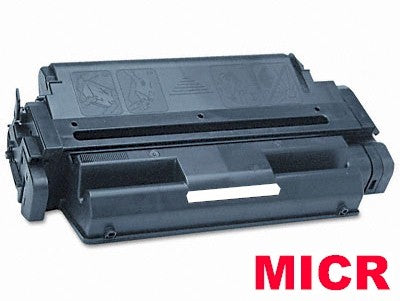
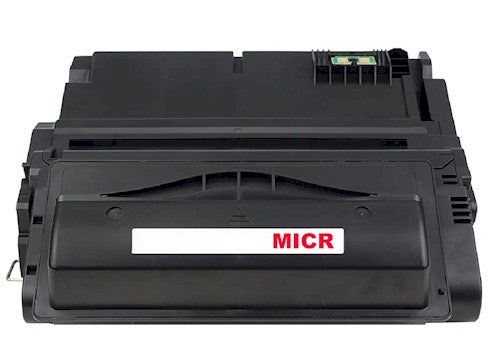
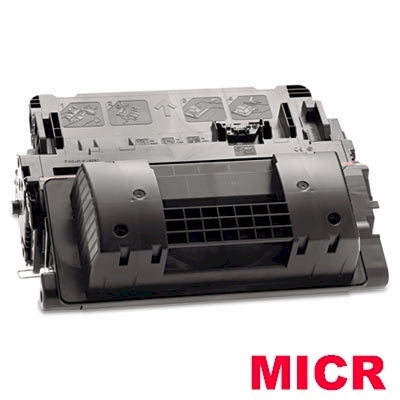
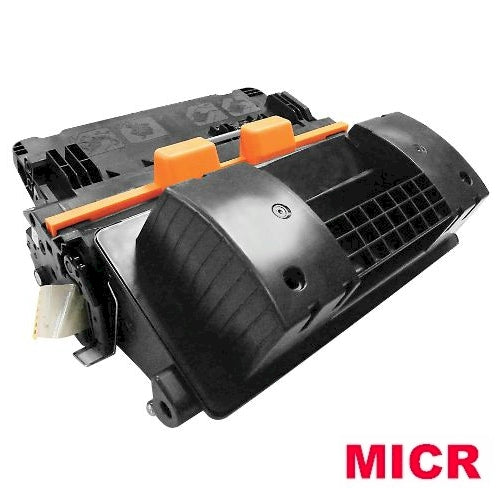
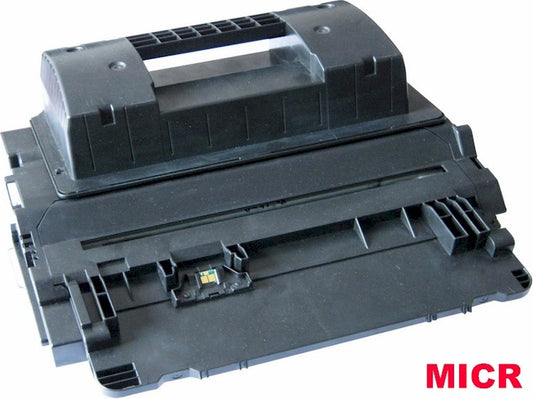
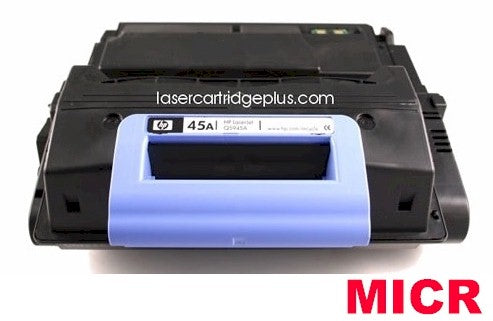
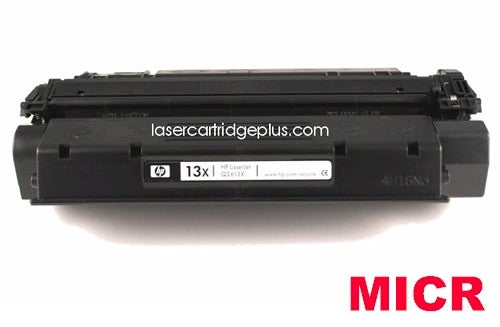
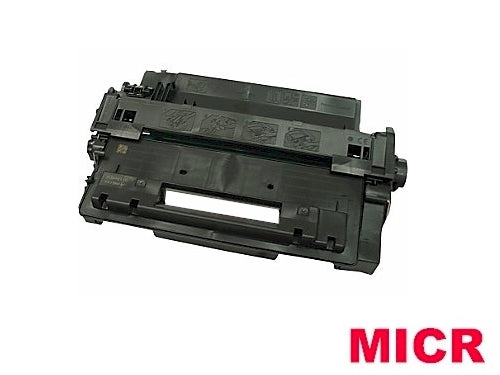
HP MICR Toner Cartridges by Part Number
Browse HP MICR toner cartridges below by cartridge number. If you know your printer model instead, use the HP Laser Printer MICR Toner chart above to find the correct cartridge.
Why Use HP MICR Toner for Check Printing?
MICR stands for Magnetic Ink Character Recognition. MICR characters are the numbers and symbols printed along the bottom of checks and other financial documents. MICR toner contains magnetic material that allows compatible check-processing equipment to recognize and read those characters.
Standard laser toner is designed for ordinary document printing, while MICR toner for check printing is formulated specifically for printing MICR characters. If you are printing checks with an HP LaserJet printer, choosing the correct HP MICR toner cartridge for your printer model is an important part of producing consistent, readable checks.
For more information about MICR printing and other available cartridges, visit our MICR Toner page.
Modified Premium New vs. Compatible HP MICR Toner
We offer different HP MICR toner cartridge options depending on the cartridge model and availability.
Modified Premium New HP MICR Toner
A modified premium new MICR cartridge begins with a new or OEM cartridge that is converted for MICR check printing. The original toner is removed and replaced with magnetic MICR toner formulated for the compatible HP LaserJet printer.
Compatible HP MICR Toner Cartridges
A compatible MICR toner cartridge provides a more economical alternative. Depending on the cartridge, reusable components or the cartridge shell may be professionally rebuilt or replaced as part of the remanufacturing process before the cartridge is filled with MICR toner.
Both options are intended for MICR check printing. The best choice depends on your printer model, print volume, budget, and whether you prefer a modified premium new or compatible cartridge.
What Is the Difference Between A and X HP MICR Cartridges?
Many HP LaserJet toner families are available in both standard-yield and high-yield versions. These are commonly identified by an A or X at the end of the cartridge number.
A Cartridges – Standard Yield
An HP cartridge number ending in A, such as CC364A, is often the standard-yield version. Standard-yield cartridges can be a good choice for businesses that print checks in moderate quantities or do not need the additional capacity of a high-yield cartridge.
X Cartridges – High Yield
An HP cartridge number ending in X, such as CC364X, is typically the high-yield version. High-yield cartridges contain more toner and are designed for higher-volume printing. Not every HP LaserJet printer accepts both cartridge sizes, so always confirm compatibility before ordering.
How to Find the Correct HP LaserJet MICR Toner Cartridge
The easiest way to find the correct cartridge is to search by either your HP LaserJet printer model or the toner cartridge part number.
When checking your printer model, suffix letters usually describe printer features rather than a different toner cartridge. For example, with an HP LaserJet P2055dn, the key model number is generally P2055. Likewise, for an HP LaserJet P4014dn, you would look for compatibility with P4014.
If you are unsure which cartridge fits your printer, use our HP Laser Printer MICR Toner chart to search by printer model.